Deckard guide
Themes and Zen mode
Themes
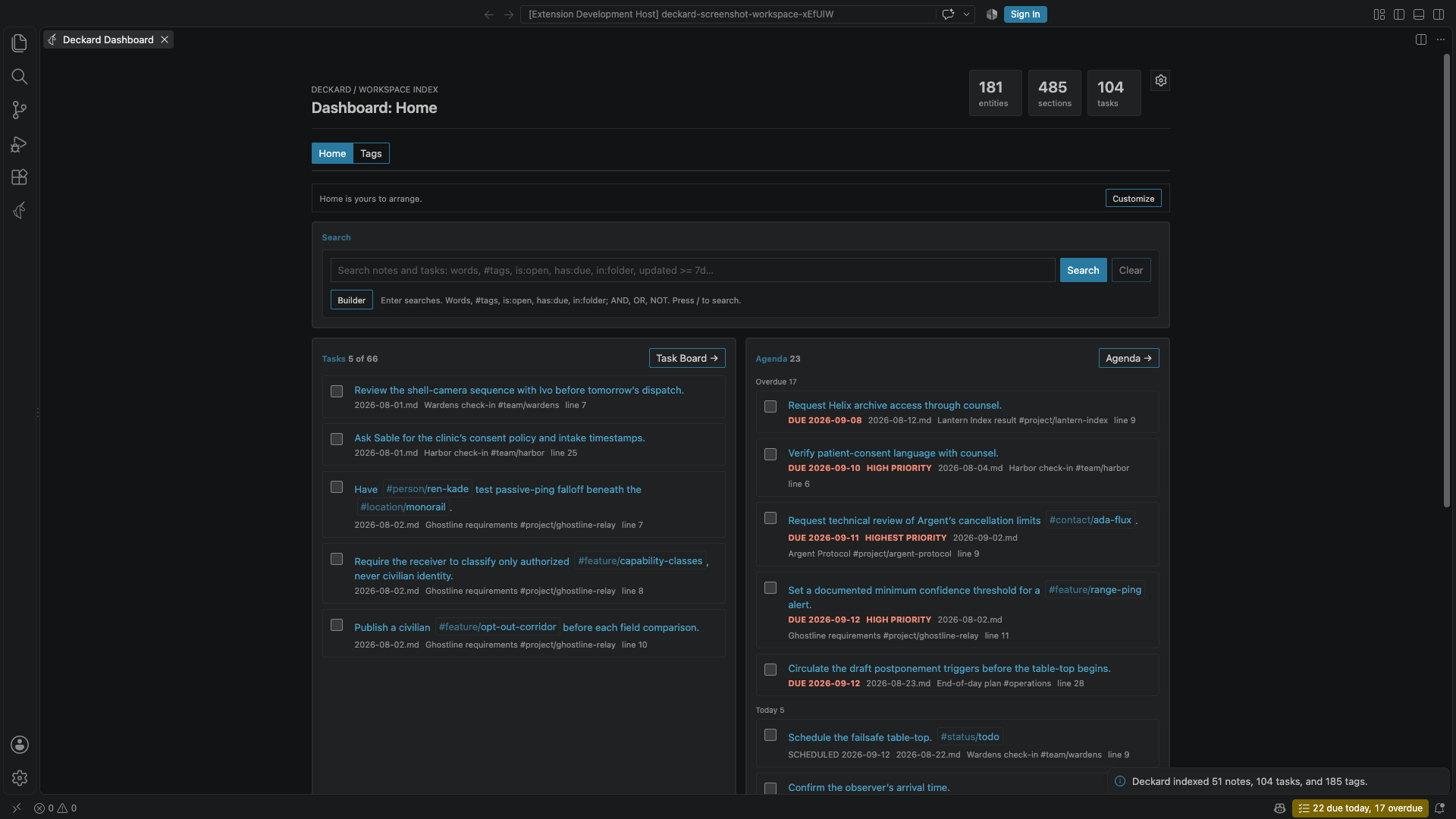
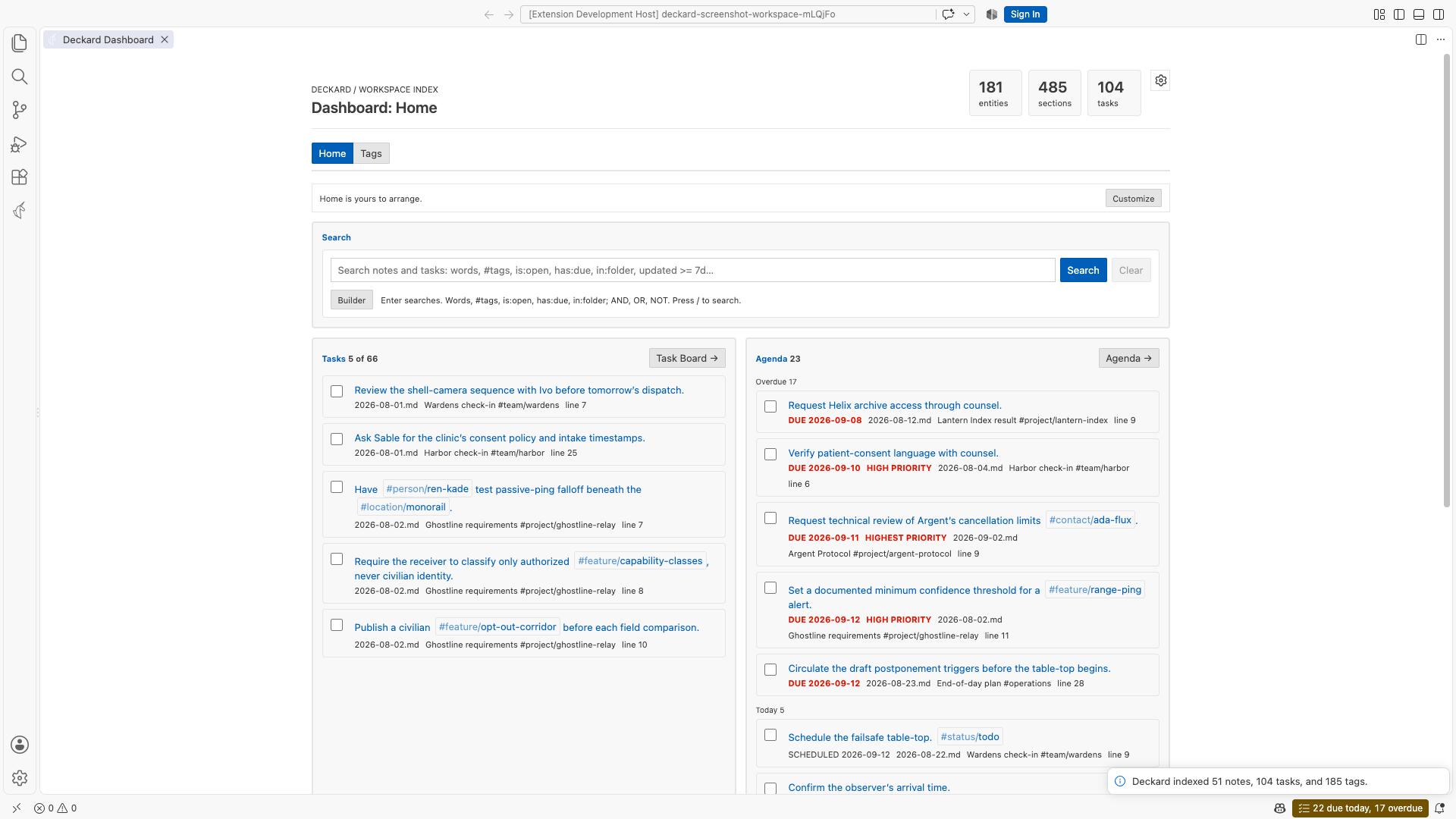
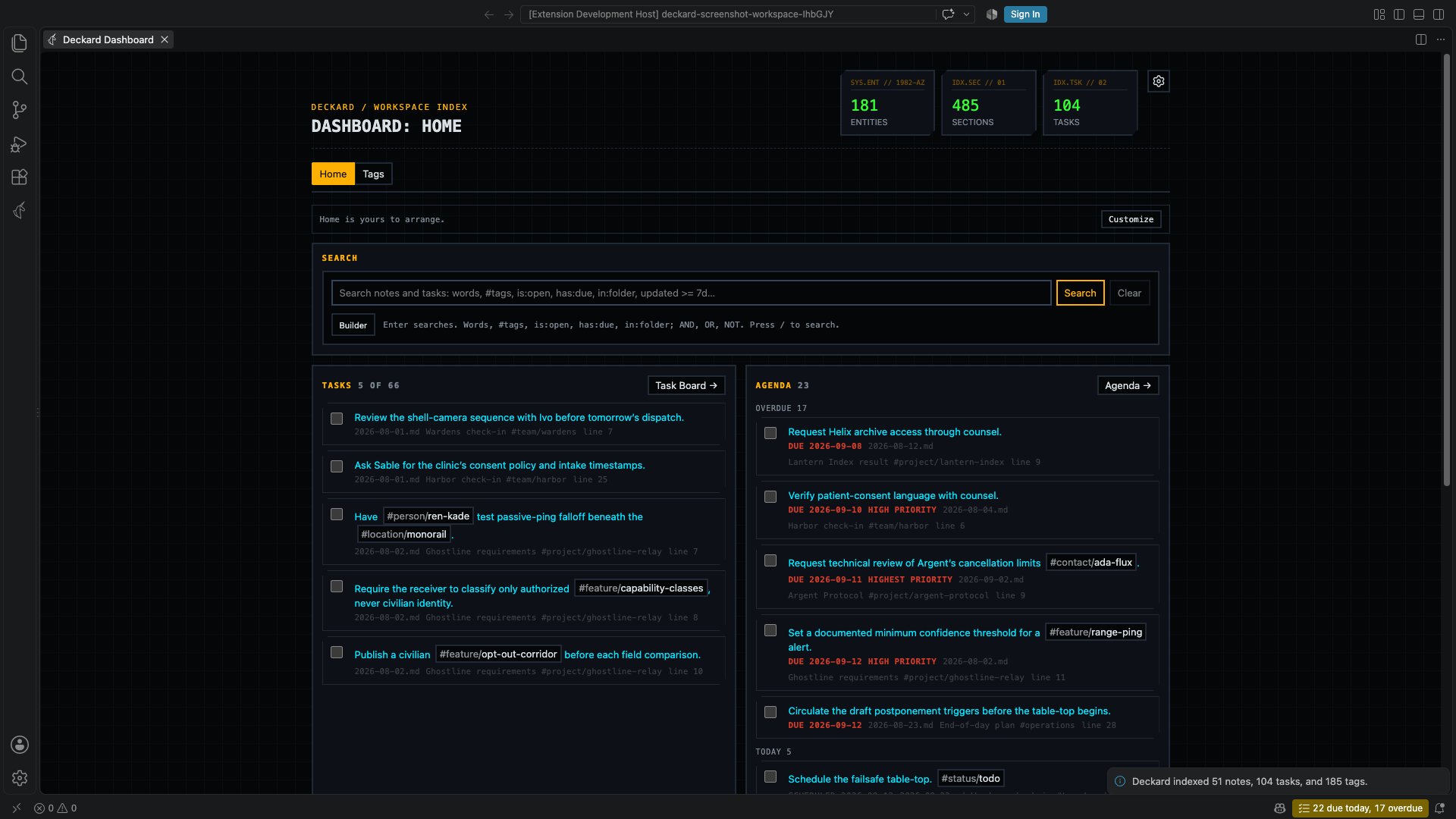
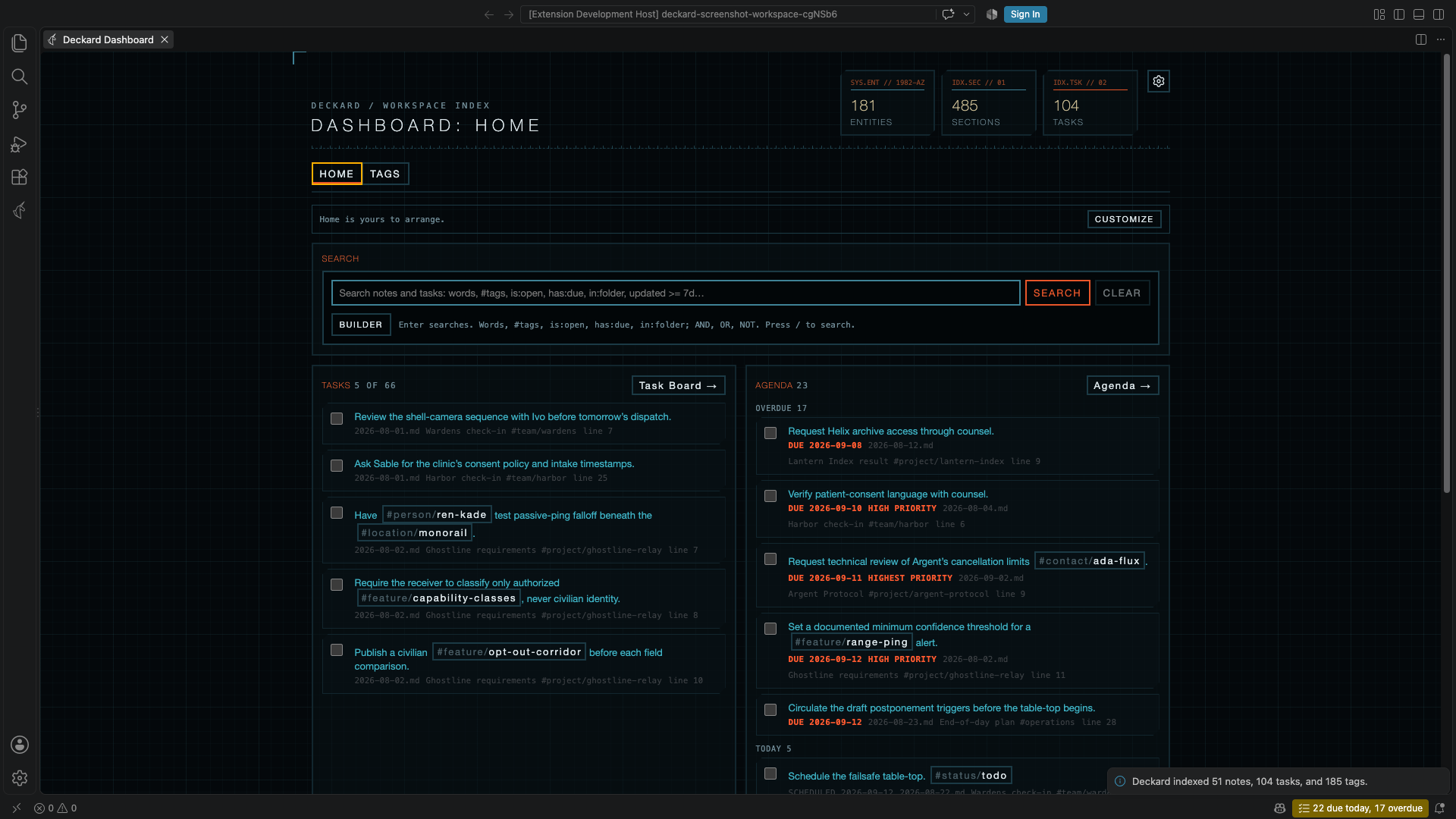
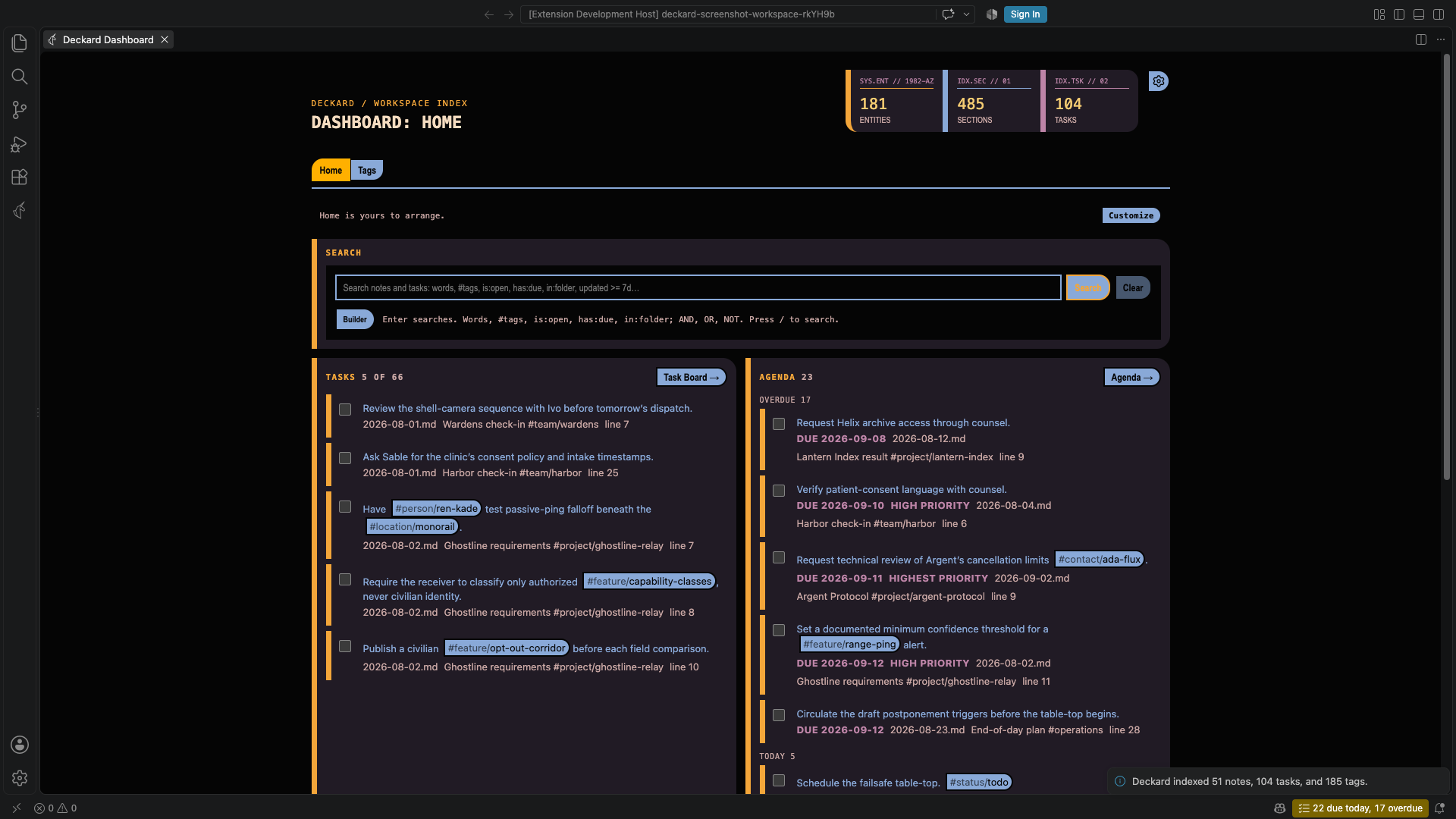
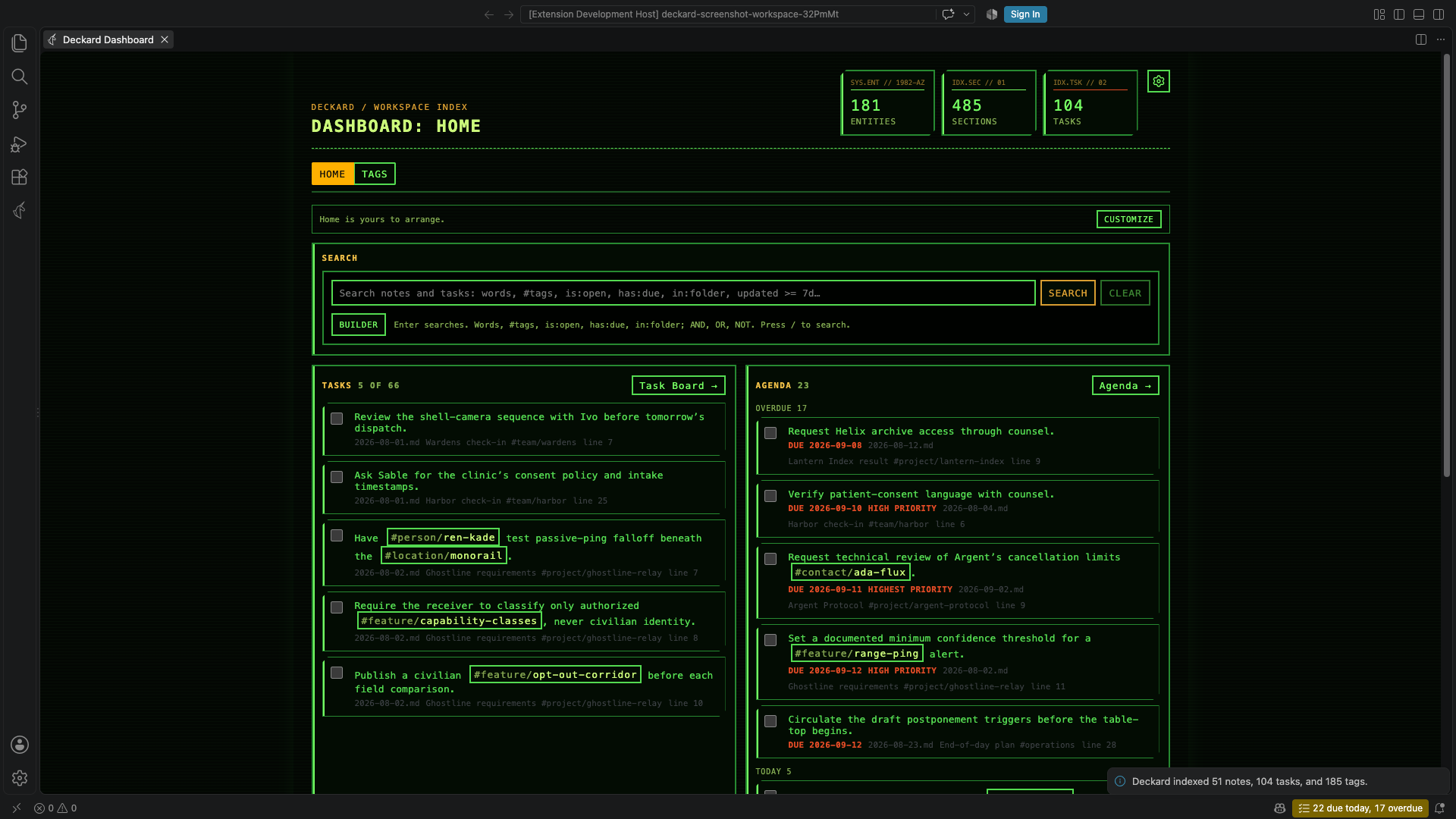
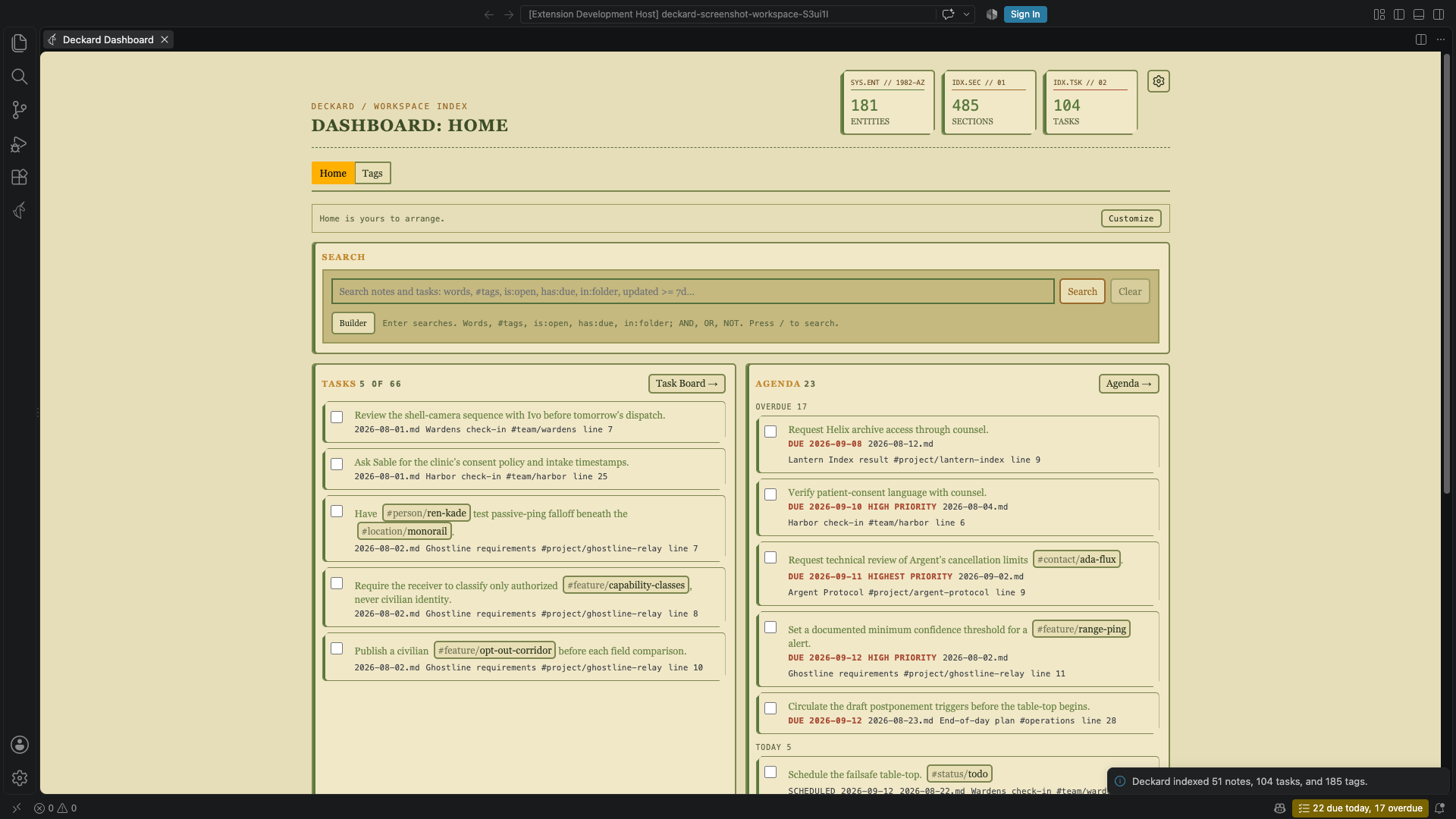
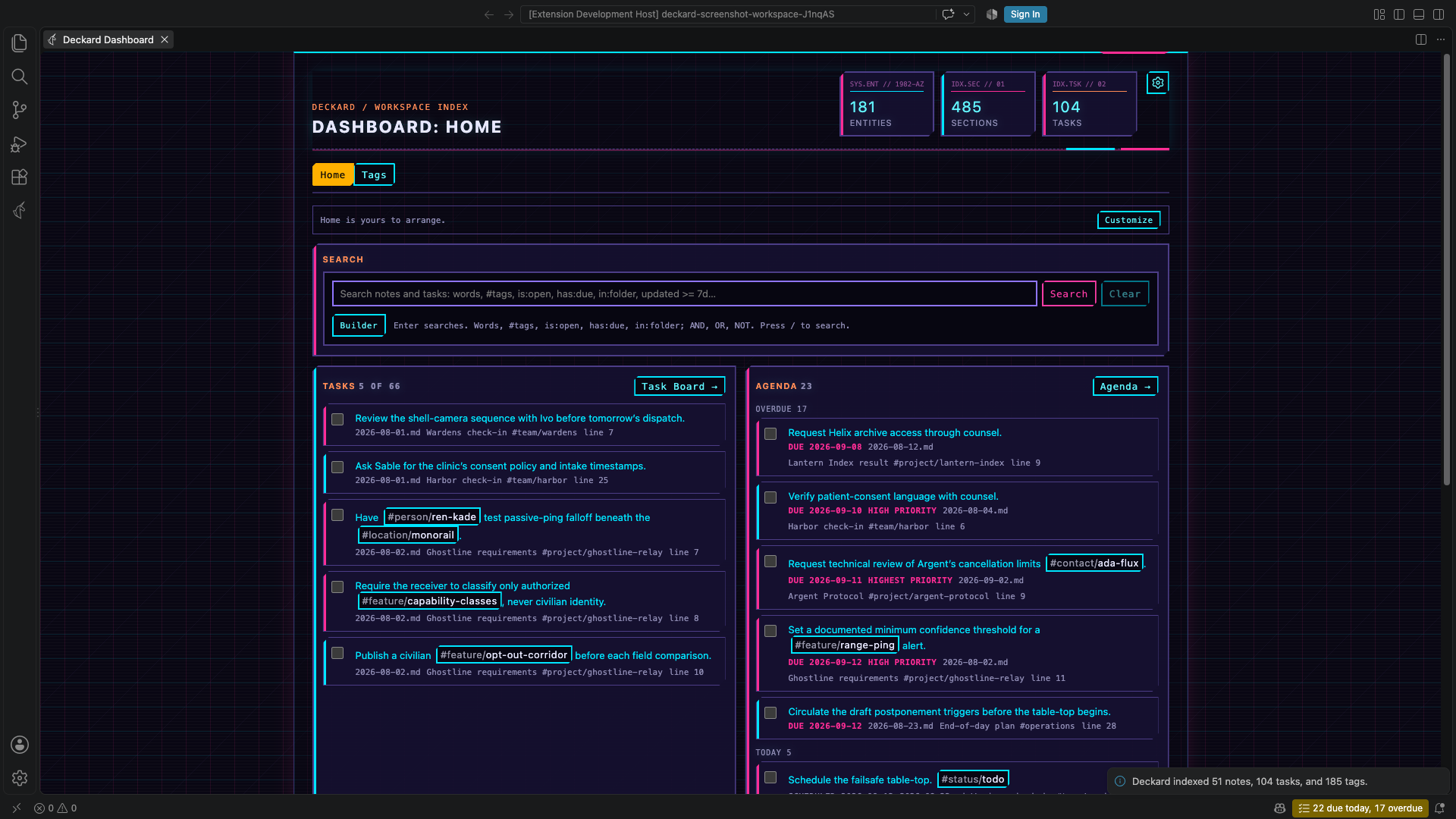
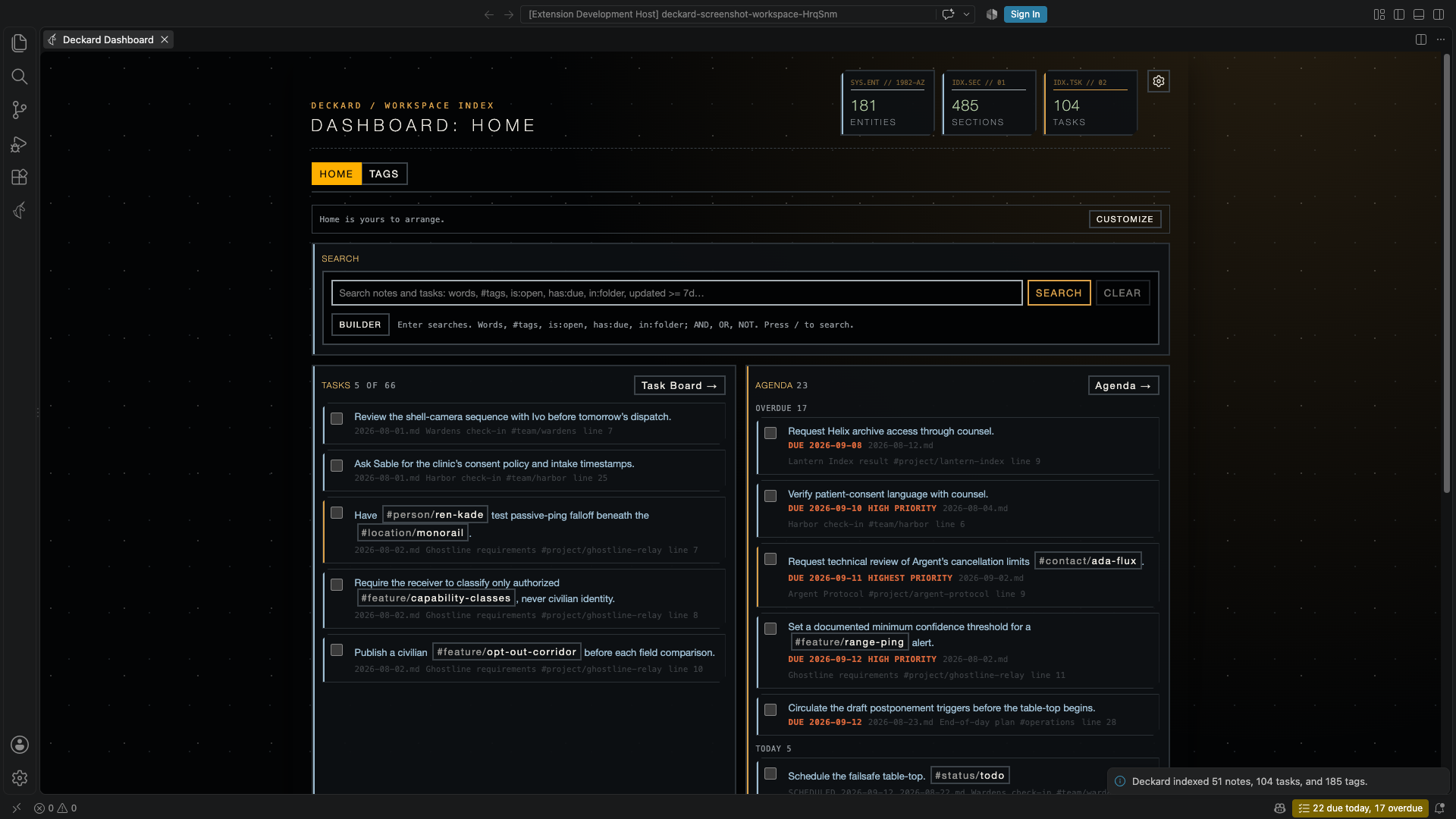
Run Deckard: Choose Theme…, or pick Theme in any page’s gear, to preview each theme on the open pages before keeping one: moving through the list shows it, Enter keeps it, and Escape puts back the one you had. Nothing is written until you keep one. Or set deckard.theme to choose the visual style used by Deckard webviews. The default is corpo, a plain style that takes its colors and fonts from your VS Code theme, light or dark, without the grid, glows, and uppercase eyebrows and titles of the others. In every theme the labels a reader scans while working, column titles, group headings, table headers, and control labels, read as written; only the eyebrow above a page title and the title itself take the film styles’ capitals. The rest are Deckard’s film-inspired styles; replicant was the default before Corpo. Their accents are bright but not fully saturated, since pure cyan or green on near-black blooms around small text; the hues are the same. In every theme red means overdue or high priority and nothing else: the favorite heart is gold, and a search term turned around with NOT is a dashed, struck chip rather than a red one.
| Corpo | Corpo, in a light VS Code theme | |
|---|---|---|
 |
 |
|
| Replicant | Oblivion | LCARS |
 |
 |
 |
| Tomcat | Fellowship | Synthwave |
 |
 |
 |
| Cooper | ||
 |
Zen mode
Set deckard.zenMode to true, pick Zen in the gear on the Dashboard, a search page, or the Task board, run Deckard: Enter Zen Mode, or select the zen button in the title bar of any Deckard page, to turn Deckard’s own chrome down. The same button leaves it.
Zen mode is not a theme, and it does not replace one. A theme picks the colors; zen picks how much frame is drawn around them, so the two compose — any of the eight themes above can be read in zen.
What it changes. Decorative labels such as DECKARD / WORKSPACE INDEX and the invented telemetry codes on the Dashboard’s figures are hidden, along with the dotted grid backdrop and the permanent line of query syntax under the search box. Page headings shrink and stop shouting, borders go from 2px to 1px, and the padding in cards, tasks, and board columns tightens. Each row’s file name, heading, and line number fold away, and come back when you hover the row or tab to it.
In the editor, zen also drops the reference counts above headings, the lens that offers to link a note’s unlinked mentions, and the band behind the section being edited. It hides the overdue 5 days hints after task lines too, and keeps their metadata dimmed. Link problems, task dependencies, daily-note arrows, and hover previews stay.
What it does not change. Every button, filter, tab, count, checkbox, and tag stays exactly where it was — zen hides ornament and folds provenance, and removes no functionality. The folded text is moved off-screen rather than out of the page, so a screen reader still announces it and find-in-page still finds it. A task’s due date, priority, and overdue marker never fold: they are the point of a task row. Nor does a search that Deckard could not parse stop saying so.
What you give up. The hint under the search box that lists AND, OR, NOT and the / shortcut, which outside zen shows while the box is in use, is hidden with the rest of the chrome. The full query language reference is in this README and on the Help page.
← Renaming, moving, and parking · All topics · AI assistants →